Page 1 of 1
Bird People in China: Universe (R3HK) vs R1 vs R2J
Posted: 10 May 2006, 20:53
by tom2681
Bird People in China.
Universe:
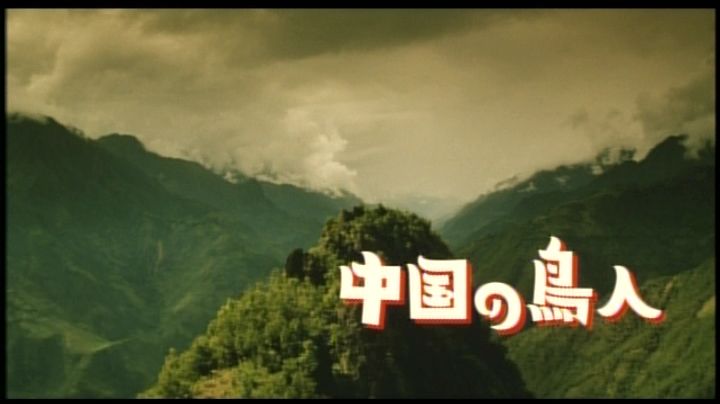
Artsmagic:
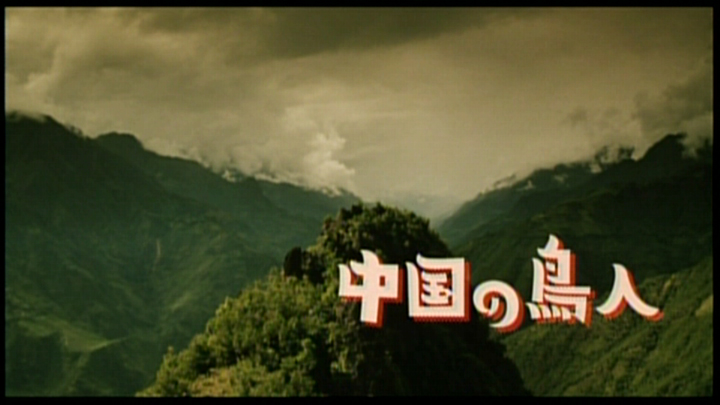
R2J:

Universe:

Artsmagic:

R2J:
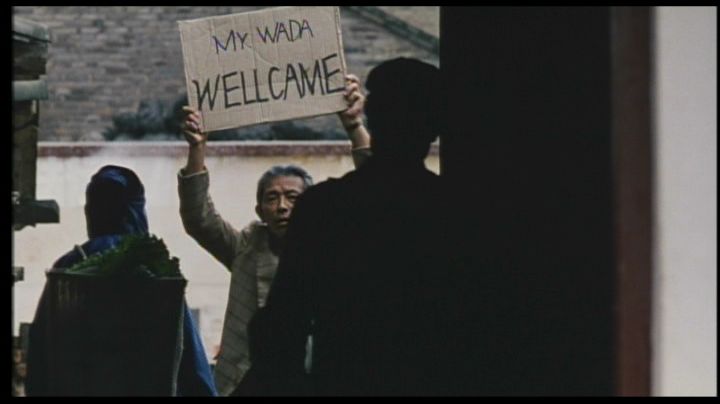
Universe:
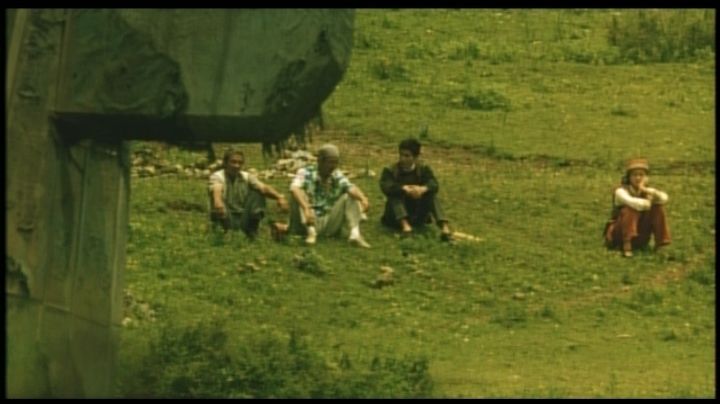
Artsmagic:
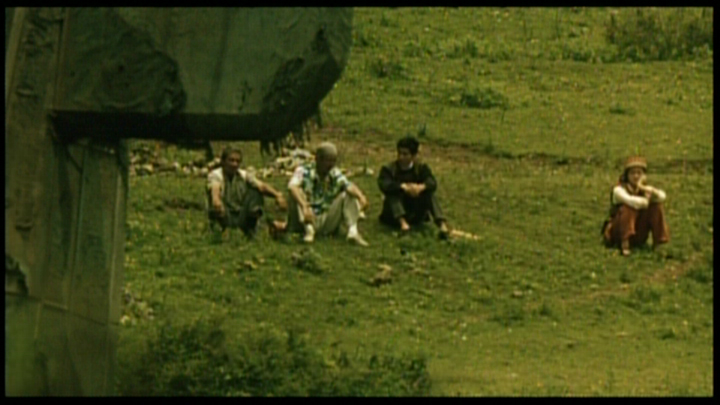
R2J:
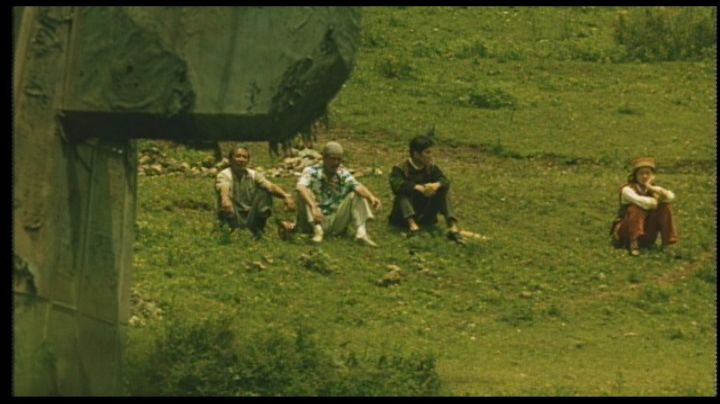
Universe:
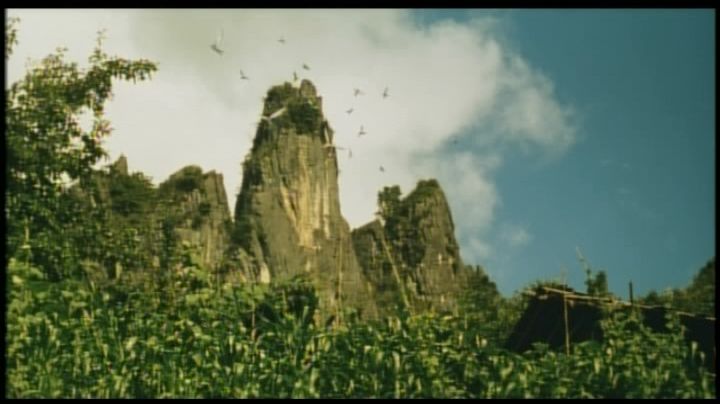
Artsmagic:
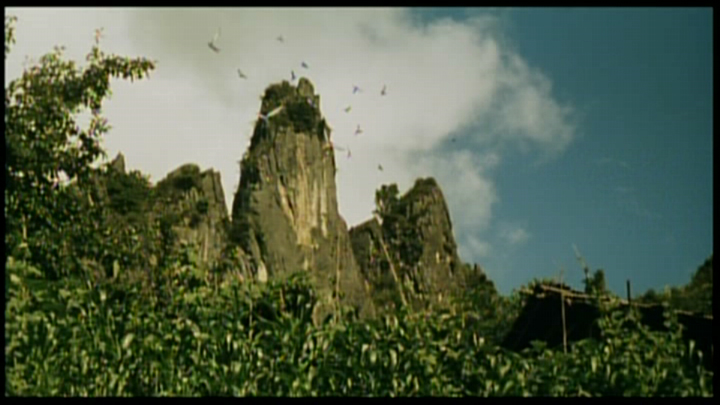
R2J:
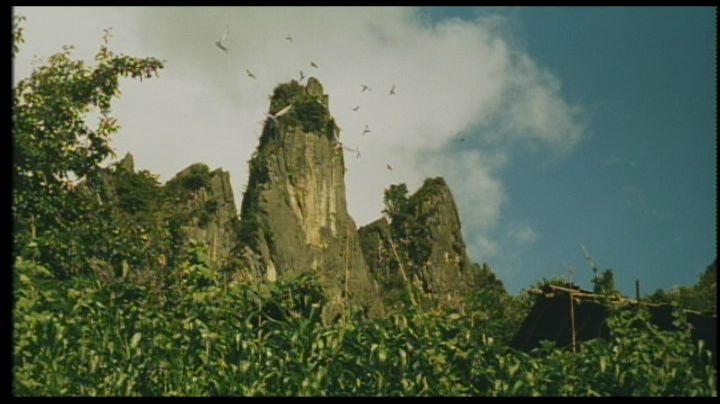
The Universe disc is extremely soft, but it doesn't have any edge-enhancement.
The Artsmagic DVD is completely screwed-up.
The R2J disc is darker than the Universe, but it's also sharper.
Posted: 10 May 2006, 20:54
by BiscLimpkit
I'll get the grabs in an hour or so (watching the Apprentice first).
I just pissed myself at the second grab lmao.

Posted: 10 May 2006, 22:43
by BiscLimpkit
Posted: 10 May 2006, 22:52
by tom2681
Edge-enhancement and contrast boosting from hell.
I'm glad I went for the Universe disc.
Thanks Bisc.
Posted: 11 May 2006, 13:53
by HungFist
A little help needed. How do you take caps from non-anamorphic dvd without including the black bars?
Edit: I'm using powerdvd
Posted: 11 May 2006, 14:11
by tom2681
Just set the capture size to 4/3:
-PowerDVD -> Config -> Player -> Advanced -> Snapshot -> Custom size 720x540 (and "Capture to Clipboard")
-Paste the caps in any picture editing software (I use MS Photo Editor).
-Crop 68 pixels at the top and 68 pixels at the bottom (Even Paint can do it).
If you really don't know, just post the 4/3 caps in PNG (lossless) format and I'll crop them for you.
Posted: 11 May 2006, 15:04
by HungFist
Posted: 11 May 2006, 15:09
by bradavon
Tom could you edit your first post please.
Posted: 11 May 2006, 15:12
by tom2681
The comparison is now finished.
All caps are in the first post.


