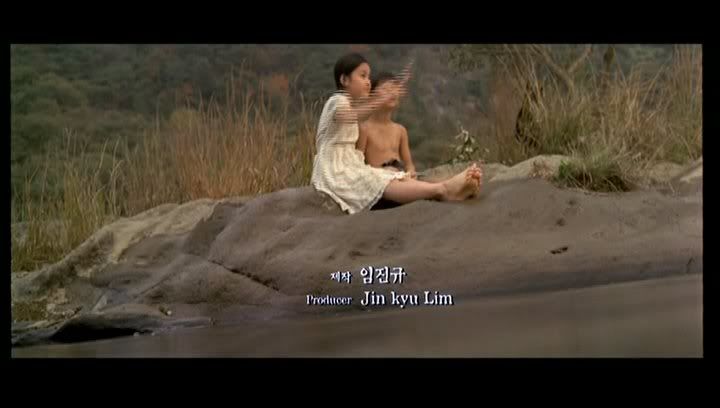
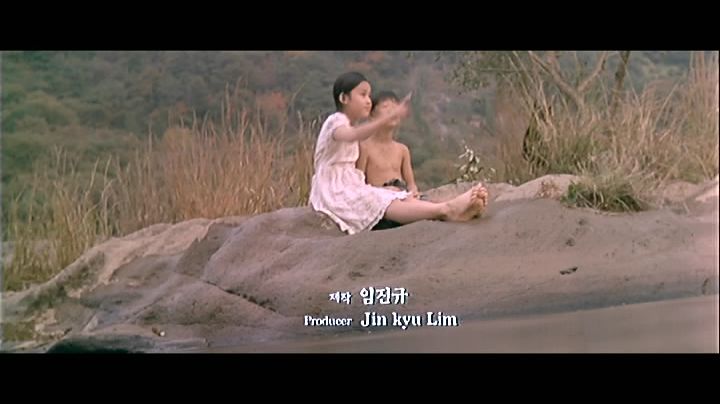
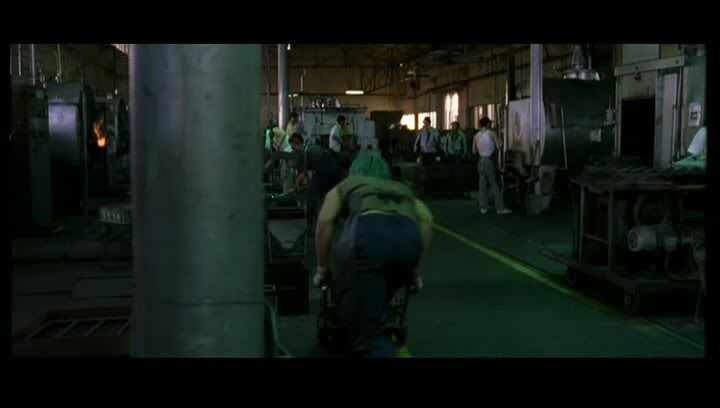
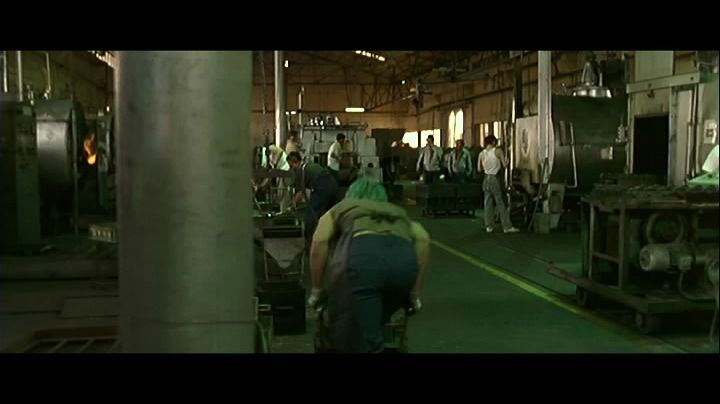
Sorry HungFist, but I think your AV DVD is seriously screwed-up.
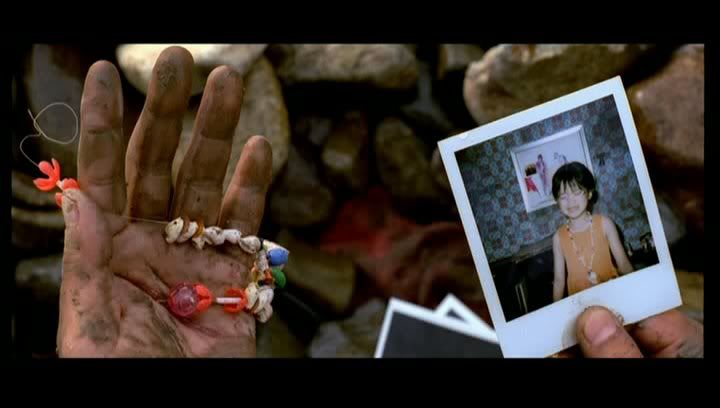
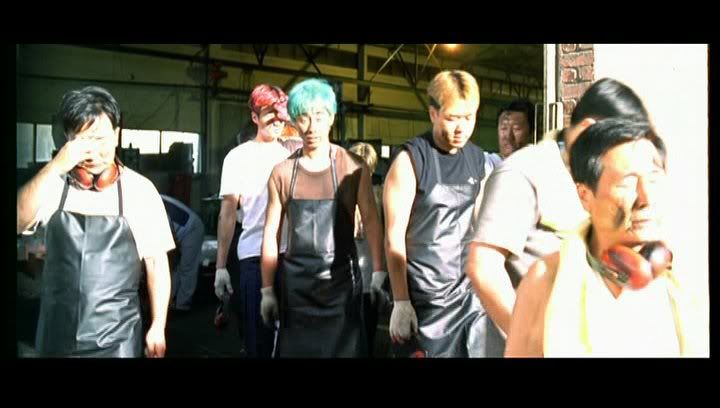
Too dark in some caps, contrast-boosted on the last one.
I used to be "the man who loves the movies you hate".
Now I'm just "that weird french guy with a cat avatar who comes to BnB once a year for no reason and then disappears again".
Tom2681 wrote:
Sorry HungFist, but I think your AV DVD is seriously screwed-up.
Yup, I thought it was good, but the only time I watched the film was years ago when I rented the dvd. Bought it later without watching it and only now realized the quality.
Tom2681 wrote:
Just a little word of advice...Try to find static frames to avoid combing.
Your first 2 caps are a mess.
That's intentional, I wanted to make sure everyone notices what a mess this this disc is. We're not trying to find caps that don't show the problems, right
The combining is noticable on my 28" TV. There's also some pixelization during some scenes (didn't show up on screencaps). Other than that Asian Vision looks better to my eyes.
grim_tales wrote:Combing/blurring happens on my DVD player (say on the IVL OUATIC or Police Story sets or The Simpsons sets) if I have the video set up wrong.
According to DVDBeaver the Tartan R2UK is even worse.
I used to be "the man who loves the movies you hate".
Now I'm just "that weird french guy with a cat avatar who comes to BnB once a year for no reason and then disappears again".
grim_tales wrote:Combing/blurring happens on my DVD player (say on the IVL OUATIC or Police Story sets or The Simpsons sets) if I have the video set up wrong.
LOL isn't that obvious? How do you mean wrong?
Sometimes the picture source has to be set to "Video (Active)" on the picture source menu of my player, in the case of The Simpsons and the IVL Police Story/OUATIC movies, (*playing a DVD with video elements with a lot of movement*) instead of the normal "Auto" (*for playing a DVD with video and film elements*)., to stop any combing.
Sorry if that didnt make sense Its what my DVD manual says



 Its what my DVD manual says

